
Word Counter
Private: your text stays in your browserTop keywords
- No keywords yet
All readability scores
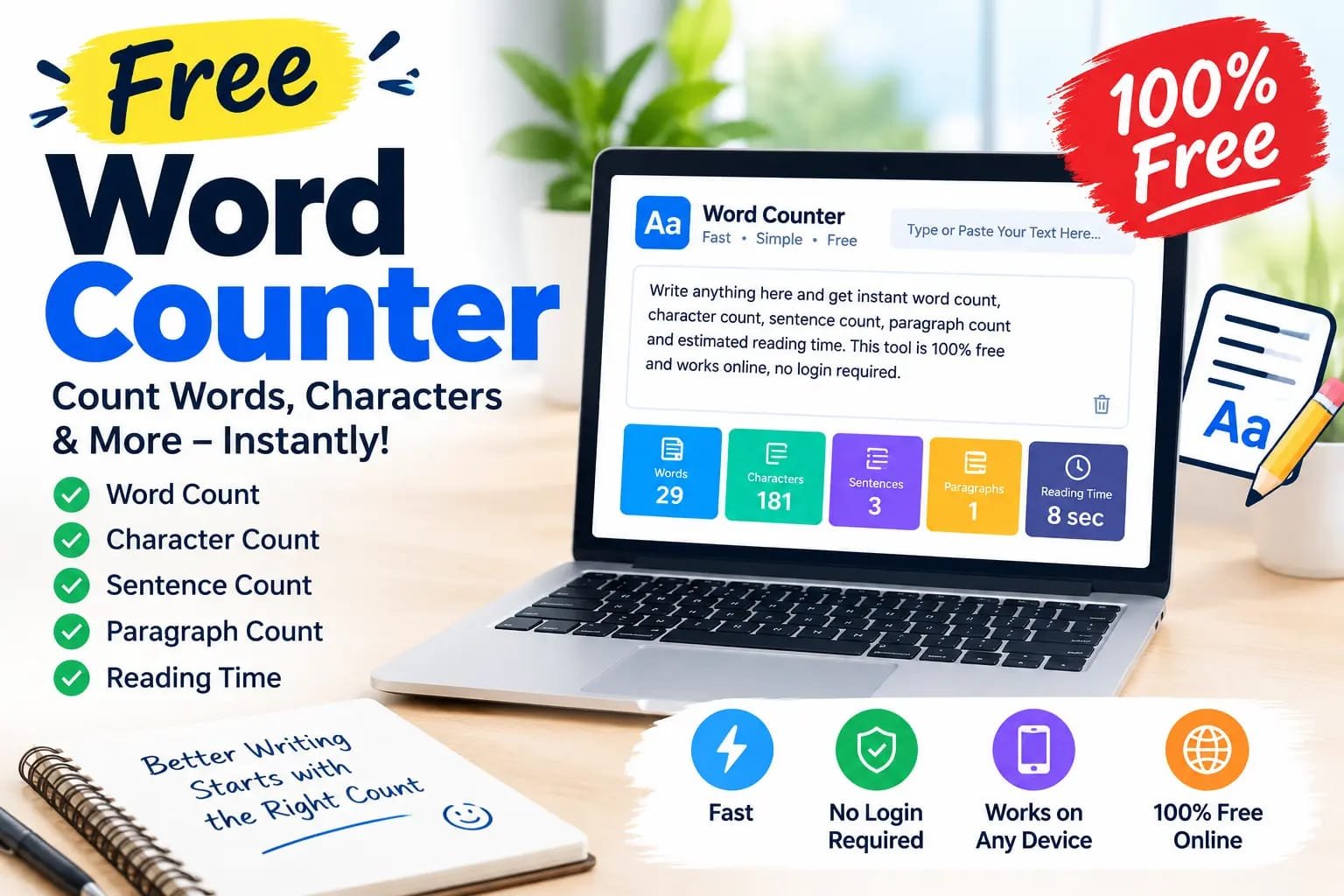
Need to check how many words are in your text? Free word counter online characters, sentences, paragraphs, and more in seconds . Just type or paste your text into the tool. Moreover , The results update as you write, so you can quickly check the length of an essay, blog post, article.
But you can also use the tool to check Free word counter online characters , character limits, writing goals, reading time, and other useful text details Because , the tool is designed to be simple enough for students and useful enough for writers, bloggers, freelancers, SEO professionals, and website owners .
The tool is also designed to work directly in your browser. Your text is processed on the page, making it convenient for quick writing and editing tasks.
Whether , you need to count words online, check character limits, review an article, or prepare content for a website. Remakio Word Counter gives you the basic writing statistics in one place.
Try the free online word counter above and check your text in seconds.
What Is a Word Counter?
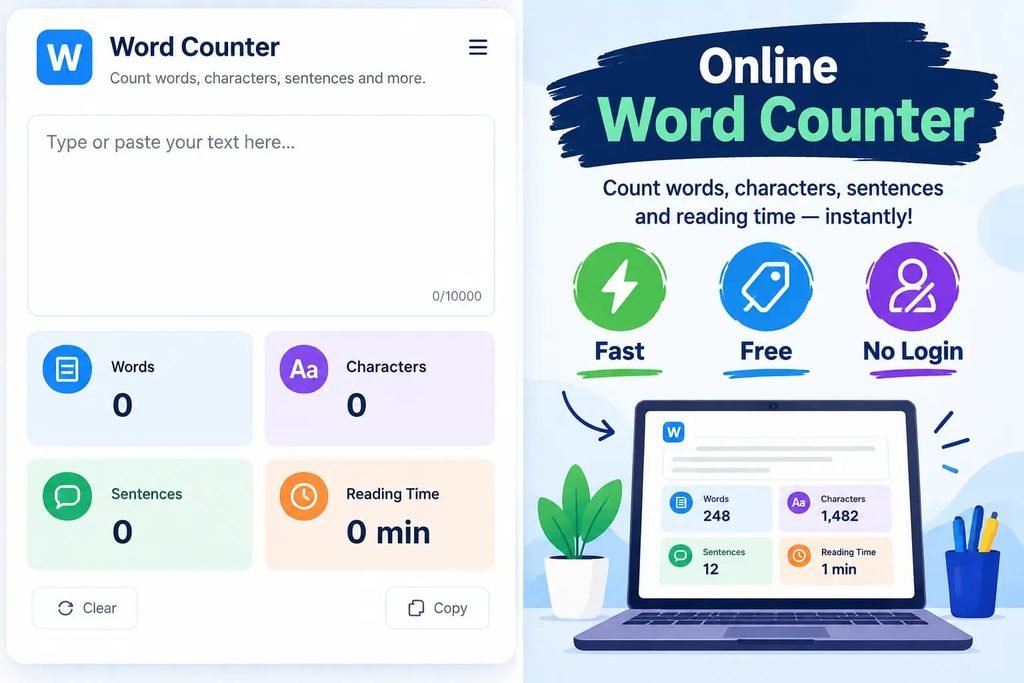
A Free word counter online characters, is an online tool that counts the number of words in written text.Instead of counting every word manually,
you can paste your content into a word count checker and get the result instantly . A good word counter can do more than show the total number of words.
Because , also show characters, sentences, paragraphs, reading time, and other information about your writing .
This makes an online word counter useful for many different writing tasks.
Free Word Counter Online
Remakio provides a simple and free way to count words online.
You do not need to install a separate application just to check your word count. Open the tool in your browser, enter your text, and check the results.
Depending on the available options, you can see:
- Total words
- Total characters
- Characters without spaces
- Sentences
- Paragraphs
- Reading time
- Speaking time
- Unique words
- Average sentence length
- Keyword frequency
- Keyword density
These details can help you understand the length and structure of your content.
How to Count Words Online
Checking your word count only takes a few seconds.
Step 1: Type or Paste Your Text
Write directly in the editor or copy your text from another document and paste it into the tool.
Step 2: Check Your Word Count
The word counter tool automatically shows the number of words in your text.
Step 3: Check Characters
You can also see how many characters your text contains. This is useful when working with platforms that have character limits.
Step 4: Review Your Content
Use the other statistics to understand your writing.
For example, you can check whether your sentences are too long or whether a particular word appears too many times.
Free word counter online characters , for Essays and Assignments
Students often have to follow a specific word limit.
An assignment may require 500 words, 1,000 words, or another exact length. A word counter for essays makes it easy to check your progress.
You can set a writing goal and see how close you are to your target.
For example, if your target is 1,000 words, you can continue writing until the counter reaches your goal.
This is easier than manually counting words in a long assignmen
Word Counter for Blog Posts
Bloggers and website owners can use a word counter for blog posts to check article length.
However, a longer article is not automatically a better article.
The main goal should be to answer the reader’s question clearly and completely. Do not add unnecessary paragraphs only to increase the word count.
Use the word count as a writing guide, not as a replacement for useful information.
Word Counter for SEO Content
SEO writers can use an online word count tool while preparing website content.
For example, you may want to check:
- Blog post length
- Page content
- Meta description length
- Title length
- Keyword frequency
- Keyword density
- Sentence length
A word counter cannot guarantee Google rankings. However, it can help you organize and review your content before publishing
Check Your SEO Title Length
SEO titles are often kept short so that the main topic is clear and easy to understand.
Remakio can help you check the character length of your title before publishing.
Check Your Meta Description Length
You can also use a character counter to keep an eye on your meta description length.
Search result displays can vary, so character limits should be treated as a practical guideline rather than a guarantee of exactly how Google will display your description.
Character Counter With Word Count
Sometimes you need to know more than the number of words.
A character counter shows the total number of characters in your text.
You can also check characters without spaces.
This is useful for:
- Social media posts
- Meta descriptions
- Titles
- Advertisements
- Short messages
- Application forms
- Website content
Having word count and character count together saves time because you do not need to use two separate tools.
How to Do Character Count in Word
To do a character count in Microsoft Word, open your document and check the status bar at the bottom of the screen. Word usually shows the character count there. If it is hidden, right-click the status bar and select Character Count. You can also click Review > Word Count to see characters with and without spaces. To count only one paragraph, select that paragraph first, then open Word Count. This is the fastest way to check character count in Word for essays, SEO content, and social media posts. This simple method helps writers, students, and marketers keep their text within limits.
Keyword Density and Top Words
Writers and SEO professionals may also want to know which words appear most often in their content.
A keyword density feature can show how frequently a word or phrase appears.
This can help you notice repeated words and make your writing more natural.
Keyword density should not be used for keyword stuffing. Search engines are designed to understand topics and meaning, so your content should be written for people first.
Writing Goal and Word Limit Checker
One useful feature for students and writers is a writing goal.
For example, you can choose:
- 250 words
- 500 words
- 1,000 words
- 1,500 words
- 2,000 words
The counter can then show your progress toward the selected goal.
This is useful when you have a specific word limit for an essay, article, report, or assignment.
Free Word Counter online characters, for English, Urdu and Roman Urdu
Many online writing tools focus mainly on English.
Remakio can make its text tools more useful for multilingual users by supporting English, Urdu, and Roman Urdu text.
This can be helpful for Pakistani users, students, bloggers, social media writers, and people who regularly switch between English and Urdu.
For multilingual text, counting rules can differ between languages, so results may sometimes vary between different tools
Is Word Counter Free?
Yes. Remakio’s word counter is designed as a free online writing tool.
You can use it directly in your browser without downloading a separate word-count application.
The goal is to provide useful writing statistics in one simple place.
Is My Text Private?
If the Remakio tool processes text directly inside the browser, the text does not need to be sent to an external AI service just to calculate basic statistics.
This is useful when checking drafts, essays, articles, or other text that you do not want to upload unnecessarily.
Remakio should clearly explain how the tool handles text so users know what happens to their content.
Who Can Use an Online Word Counter?
Students
Check essays, assignments, reports, and other academic writing.
Bloggers
Check the length of blog posts and articles before publishing.
Freelance Writers
Make sure your article meets the client’s requested word count.
Website Owners
Review the length and structure of website pages.
Frequently Asked Questions
What is a word counter?
A word counter is a tool that counts the number of words in your text. Many tools also provide character, sentence, paragraph, and reading-time information.
How do I count words online?
Paste or type your content into an online word counter. The tool will calculate the word count automatically.
Is Remakio Word Counter free?
Yes. Remakio’s word counter is designed to be available as a free online tool.
Can I use a word counter for an essay?
Yes. Students can use it to check essay and assignment word limits.
Does a word counter count characters?
Yes. A complete writing counter can show characters with spaces and characters without spaces.
Can I check my blog post word count?
Yes. Paste your blog post into the tool to check its total word count and other writing statistics.
Can a word counter help with SEO?
It can help you review content length, keyword frequency, title length, and character limits. However, word count by itself does not guarantee better Google rankings.
What is keyword density?
Keyword density describes how often a particular word or phrase appears compared with the total amount of text. It can be used as an editing reference, but keywords should always be used naturally.
Can I use the tool for Urdu text?
A browser-based counter can be designed to support Urdu and other Unicode text. Remakio aims to make its tools useful for English, Urdu, and Roman Urdu users.
Can I check reading time?
Yes. A reading-time estimate can show approximately how long the text may take to read.
Can I use it for YouTube scripts?
Yes. Word count and speaking-time estimates can help YouTube creators plan the length of their scripts.
Does word count affect Google rankings?
There is no single word count that guarantees a page will rank higher. Useful, relevant, well-structured content is more important than simply making an article longer.