
Welcome to Image converter the ultimate online tool for managing, converting, and compressing your images effortlessly. Free All-in-One Image Converter & Compressor JPG, PNG, HEIC . Whether , you are a website developer, content creator, photographer, student, or business owner, maintaining high-quality visuals while keeping file sizes small is essential for digital success.
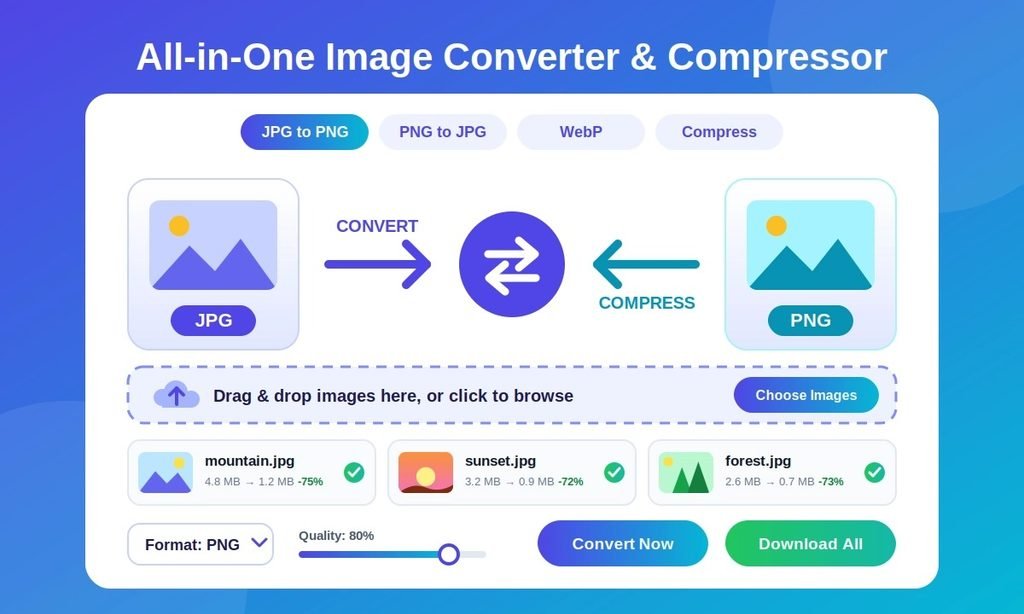
Our All-in-One Image Converter & Compressor provides a complete solution to transform image formats and reduce file sizes without sacrificing quality. Whether , From changing format types like JPG to PNG and PNG to JPG to converting modern HEIC to JPG files and compressing large images this tool handles everything right inside your browser for free.
⚡ All-in-One Image Converter & Compressor
📁 Select or Drop JPG Image Here
📁 Select or Drop PNG Image Here
📁 Select or Drop HEIC (iPhone) Image Here
📁 Select Image to Compress
Why You Need an All-in-One Image Converter and Compressor
Additionally , digital content relies heavily on visual appeal. High-resolution images make websites look modern, professional, and engaging. Large image files can significantly slow down website loading speeds, negatively impact search engine rankings (SEO). As a result , consume vast amounts of storage space on your devices.
Using an optimized online image tool ensures:
- Faster Website Loading Speed: Compressed images help pages load in seconds, improving user experience and reducing bounce rates.
- Better SEO Rankings: Search engines like Google prioritize fast-loading websites that utilize web-friendly image formats.
- Better Compatibility: Different platforms demand different formats. Converting your files ensures seamless sharing across desktop, mobile, and web apps.
- Storage Optimization: Reducing image size saves bandwidth and server storage without compromising visual clarity
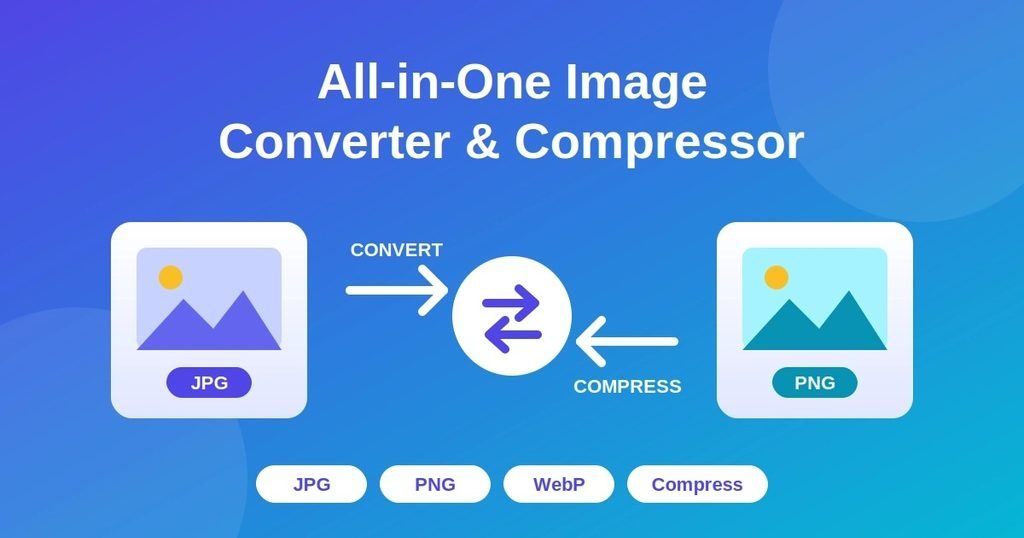
Key Features of Our Image Converter & Compressor Tool
Our online tool is built to offer speed, simplicity, and flexibility. Additionally , here is a breakdown of the core features included in this utility:
1. JPG to PNG Converter
JPG files are widely used for general photos due to their small file size, but they do not support transparent backgrounds .Therefore, converting JPG to PNG allows you to preserve image details and add transparency, making it perfect for logos, graphics, overlay designs, and professional website media.
2. PNG to JPG Converter
“PNG files offer lossless quality and transparency. However, they often take up a lot of space. Therefore, if you have graphics or screenshots that do not require transparency, converting them to JPG significantly reduces file sizes for smoother web uploading and emailing.”
3. HEIC to JPG Converter
Apple devices (iPhones and iPads) save photos in the default HEIC format to save storage. Because , many Windows PCs, Android devices, and web platforms cannot open or display HEIC files natively. For example , Our HEIC to JPG converter instantly turns iOS photos into universally compatible JPG images without quality loss.
4. Smart Image Compressor
“First of all, large photos take up significant bandwidth and slow down page performance. However our Compress tool reduces the storage size of your JPG, PNG . Therefore , web P images using smart compression algorithms. As a result, it strips away unnecessary metadata while retaining crisp visual fidelity.”
How to Use the All-in-One Image Tool (Step-by-Step Guide)
Converting and compressing images on our platform is quick and easy. Follow these simple steps:
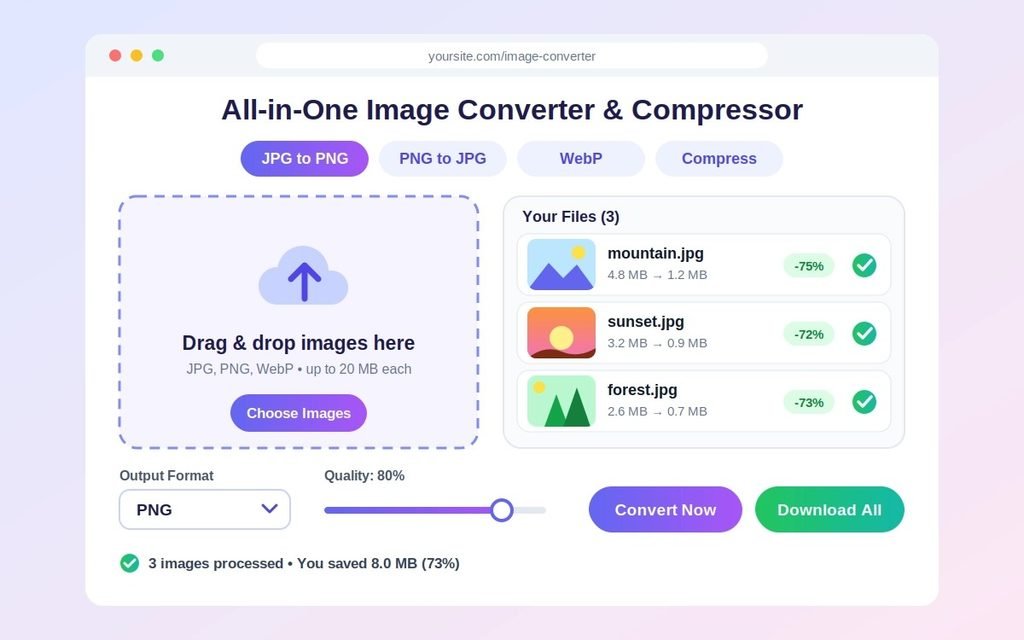
- Select Your Mode: Choose the specific conversion or compression task you need from the top bar (JPG to PNG, PNG to JPG, HEIC to JPG, or Compress).
- Upload Your Image: Drag and drop your image directly into the upload area, or click “Select or Drop JPG Image Here” to choose files from your computer or phone.
- Instant Processing: The tool automatically processes your image in real-time right inside your browser.
- Download Your File: Additionally , Once the conversion or compression is complete, click the download button to save your newly optimized image instantly.
All-in-One Image Converter and Compressor
Benefits of Converting & Compressing Your Media
1. Boost Website Performance & SEO
In fact , Page speed is a critical factor for Google rankings. Furthermore , uncompressed, oversized images are the primary cause of slow site performance. Therefore , by converting images to lightweight formats and running them through our compressor, your website pages load instantly, improving core web vitals and overall search rankings.
2. Universal Cross-Platform Compatibility
Sending images across different operating systems often causes compatibility errors. For instance, sharing HEIC files with Windows users often leads to corrupted preview issues. Thus, Converting files to standardized formats like JPG or PNG ensures everyone can view your files without downloading extra software.
3. Privacy and Data Security Guaranteed
We prioritize your privacy. Because , All file processing happens securely, and uploaded files are never permanently stored on our servers. Your photos remain private, confidential, and safe at all times.
4. Completely Free with No Software Installation Needed
Subsequently , You do not need to download heavy graphic editing programs like Photoshop or pay for premium subscription tools. Finally , Our web utility works 100% online directly inside Chrome, Safari, Firefox, Edge, or mobile browsers.
Comparing Image Formats: JPG vs. PNG vs. HEIC
Understanding image formats helps you choose the right settings for your projects:
| Format | Best Used For | Key Advantage | Main Disadvantage |
|---|---|---|---|
| JPG / JPEG | Photography, Web Images | Small file size, universal support | No transparent background support |
| PNG | Logos, Graphics, Screenshots | Supports transparency, high detail | Larger file sizes compared to JPG |
| HEIC | Apple iOS Photos | High quality at half the file size | Poor compatibility on non-Apple devices |
Frequently Asked Questions (FAQs)
Q5: Can I convert multiple images at once?
Answer: Currently, our tool processes one image at a time to ensure the highest quality and fastest performance. However, you can quickly convert multiple files one after another by simply uploading them sequentially. As a result, you can still optimize all your website images efficiently.
Q6: Do I need to install any software or app?
Answer: No, you do not need to install anything. Furthermore, our converter is a web-based tool, meaning it works directly in your browser. Therefore, it is entirely compatible with Windows, Mac, Android, and iOS devices without taking up any storage space on your hard drive.
Q7: Is there a file size limit for uploading images?
Answer: Our tool can handle most standard image sizes perfectly. Nevertheless, if you are dealing with extremely massive files, compression might take a few extra seconds. For instance, a 10MB image will process smoothly, but ensure your internet connection is stable for the best results.
Q8: How does image compression impact my website’s SEO?
Answer: Large images are the primary cause of slow website loading times. Consequently, Google penalizes slow-loading sites in search rankings. Therefore, by using our compressor, you reduce file sizes, which directly improves your Core Web Vitals and boosts your overall SEO score.
Q9: Can I use this tool for commercial projects?
Answer: Absolutely! You can use our tool for both personal and commercial projects. In addition, there are no hidden fees or watermarks on the converted images. Thus, you can confidently optimize images for your business website, online store, or client projects.